
Vault
Open source. A vault for seed phrases, private keys and secrets, fully offline.
Free · iPhone, iPad & Mac · iOS 26 or later · macOS 26 or later
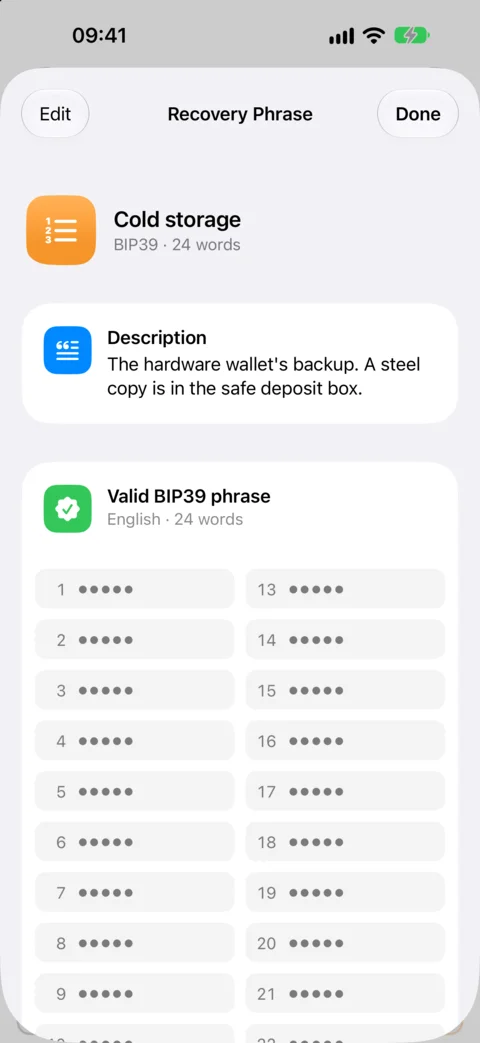
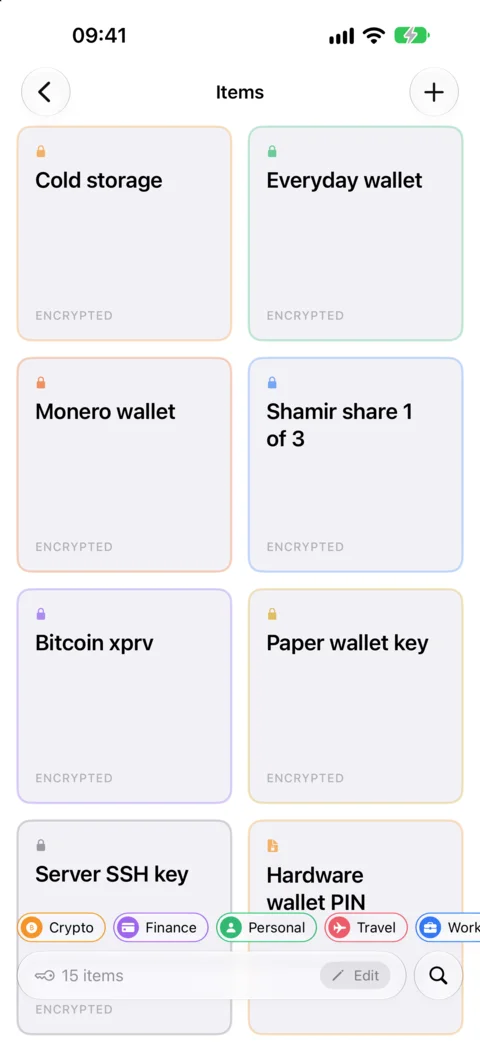
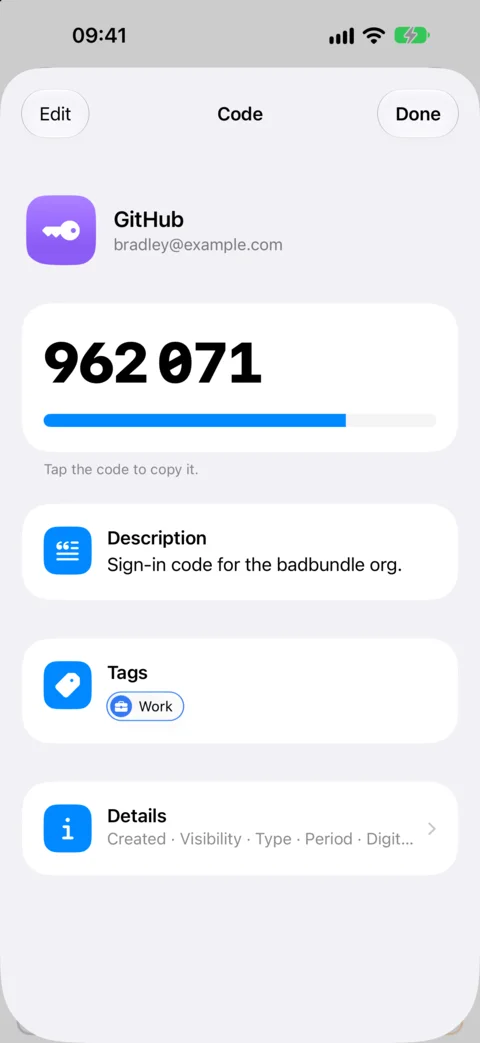
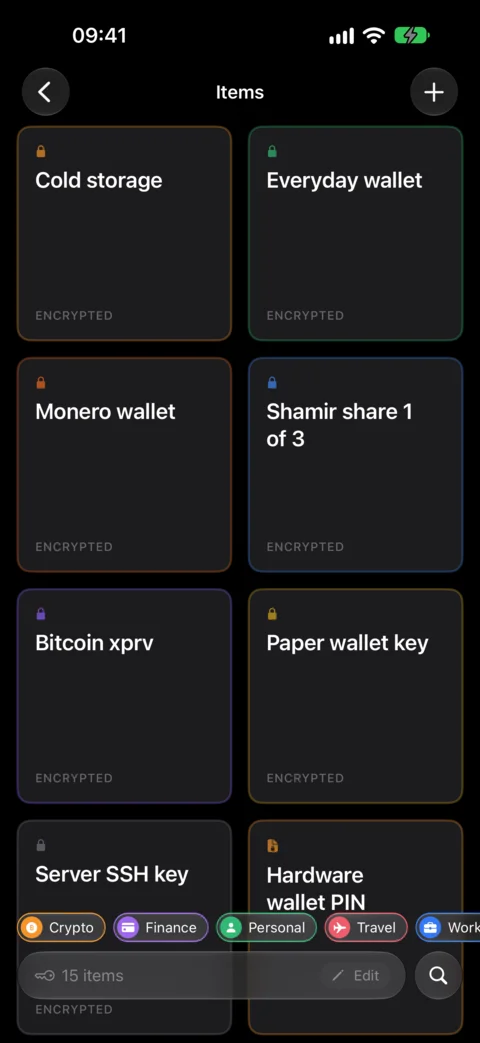
Vault is an open-source iPhone, iPad and Mac app for the secrets you can't afford to lose: the seed phrases and private keys to your crypto, private notes, and your 2FA codes too. It keeps the keys, never the funds: it signs nothing, and phrases and keys are always encrypted, masked until tapped and never copied. It's fully offline, with no servers, no accounts and no analytics, and every backup it makes is encrypted and goes only where you put it.
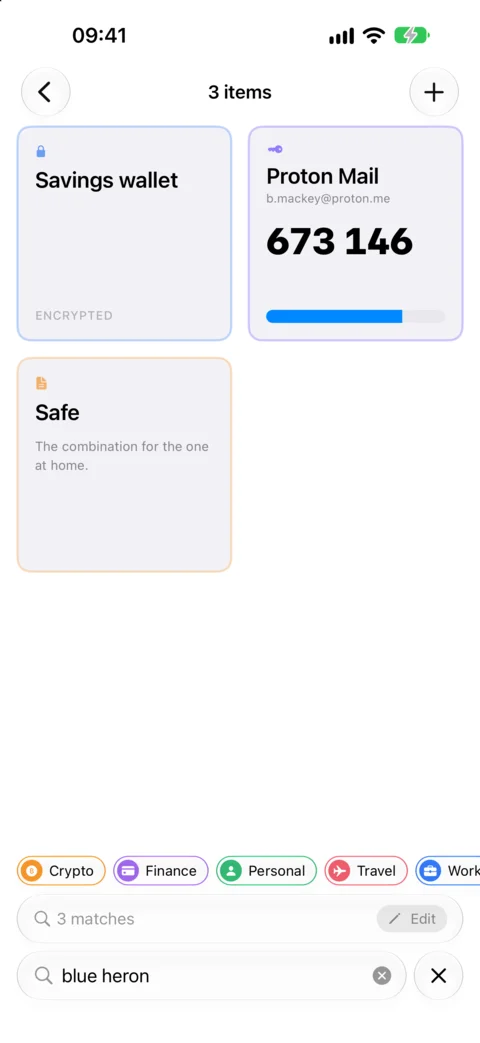
It's also built for the moment someone forces you to unlock your phone, at a border, in a robbery or at home. An App Lock Password encrypts the vault, a duress password opens a separate vault instead, hidden items only appear when you search for their passphrase, and a killphrase quietly deletes an item when it's searched for. The manifesto says what Vault will and won't do, and the security model lists every promise it makes, and its limits.
Vault on the Mac
Vault is also a native Mac app, and it's free there too. It keeps the same recovery phrases and private keys, always encrypted and masked until you click them, and has the same protections as on iPhone: an App Lock Password that encrypts the vault, a duress password that opens a separate one, hidden items and killphrases, with Touch ID or your Mac's password in place of Face ID.
Click a code to copy it, fill time-based codes into websites in Safari with AutoFill, or add a widget to your desktop that shows a code while Vault is unlocked. Vault locks as soon as you switch to another app, or after a delay you choose, and whenever your Mac locks or sleeps. Hide While Recording keeps its windows out of screenshots, screen recordings and screen sharing, and your vault is left out of Time Machine backups unless you choose otherwise.
Vault doesn't sync. To move your vault between your Mac and an iPhone or iPad, scan its QR codes, with no file saved along the way.


What it gives you
Recovery phrases and private keys
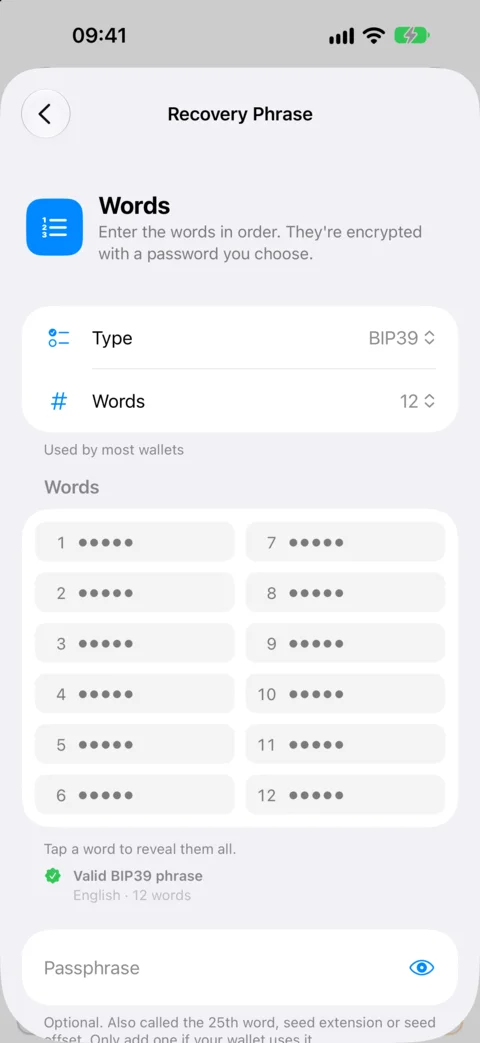
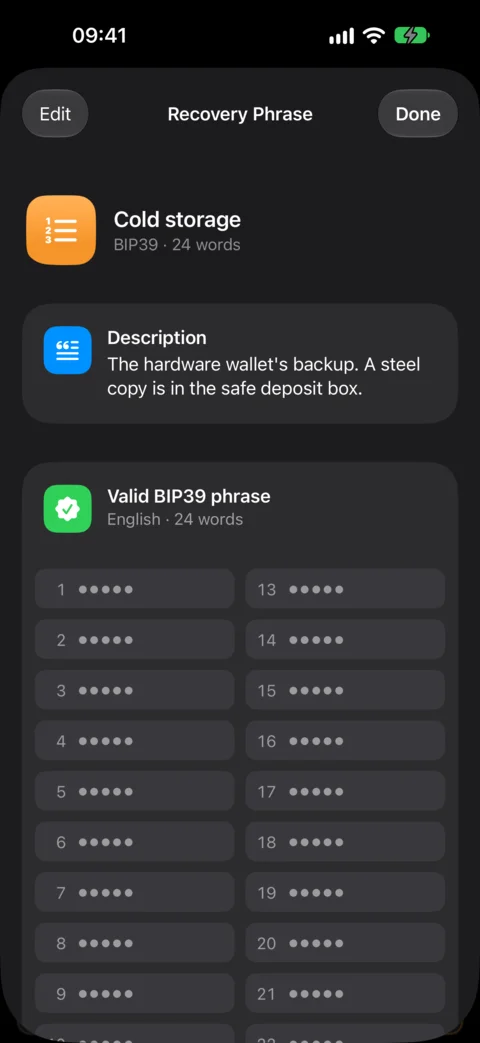
Seed phrases checked against the BIP39, SLIP-39, Electrum and Monero word lists, and private keys from WIF and xprv to PGP and SSH. Always encrypted, masked until tapped, and never copied.
Built for duress
An App Lock Password that encrypts the vault, a duress password that opens a separate one, hidden items and killphrases.
Encrypted backups
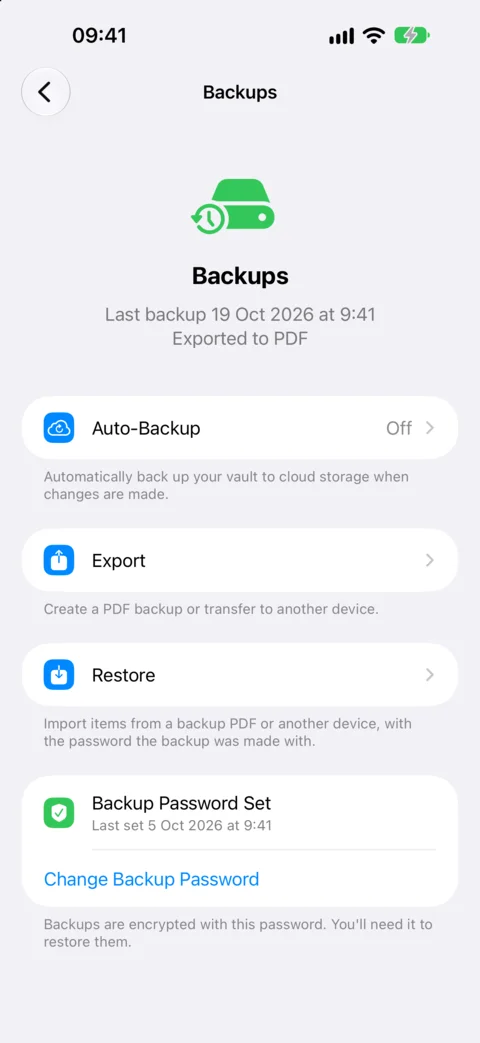
PDF backups to print or save anywhere, and automatic backups to a folder you choose, like one in iCloud Drive.
Fully offline
No servers, no accounts, no analytics and no network requests. Vault keeps your keys, never your funds, and signs nothing.
Open source
The code is on GitHub, with a security model that lists every promise Vault makes, and its limits.
Notes and 2FA codes
Markdown notes, items locked behind Face ID or Touch ID, and two-factor codes with AutoFill, widgets and copies that clear themselves.